
Last Updated on February 15, 2022 by Neil Murray
This page contains test to check for saved data is loaded correctly after hitting update/save button or editing previous saved page/form.
Contact Form 7 Skins
Please check for every input data or variable text is displayed with correct data as shown in each screenshot below. Right click each image to get full size on new tab.
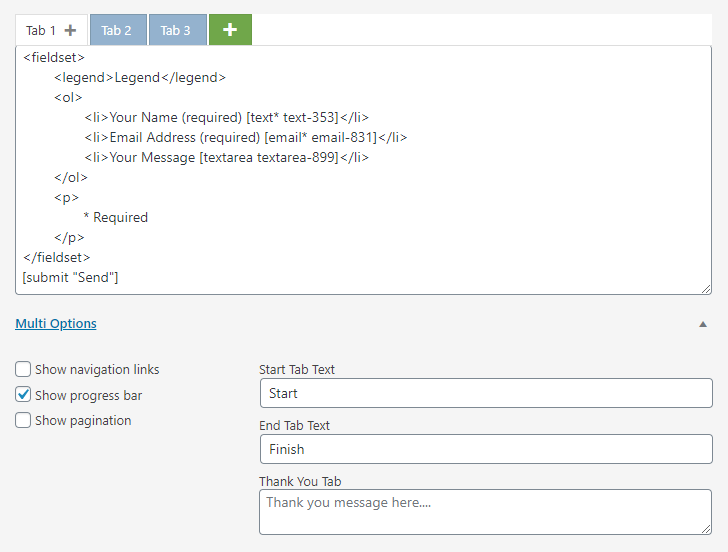
Multi – Default Editor
☑ Multi tab title.
☑ Multi tab content.
☑ Multi tab and content order.
☑ Multi Options value.
☑ Multi Options toggle state.
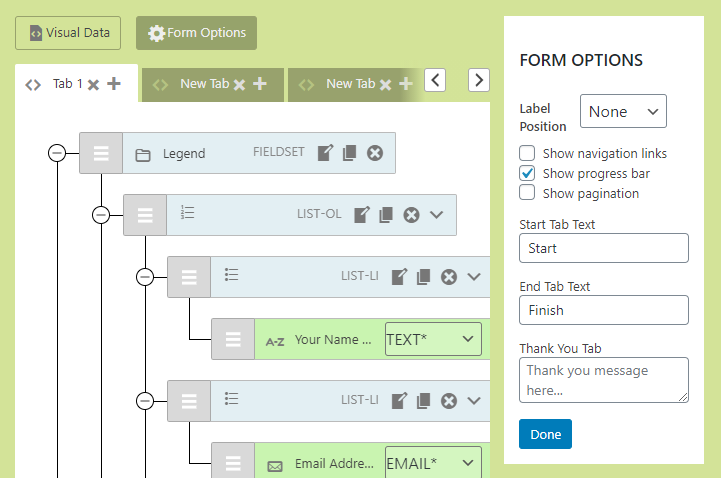
Multi – Visual Editor
☑ Multi tab title.
☑ Multi tab content.
☑ Multi tab and content order.
☑ Multi Options value in Form Option dialog.
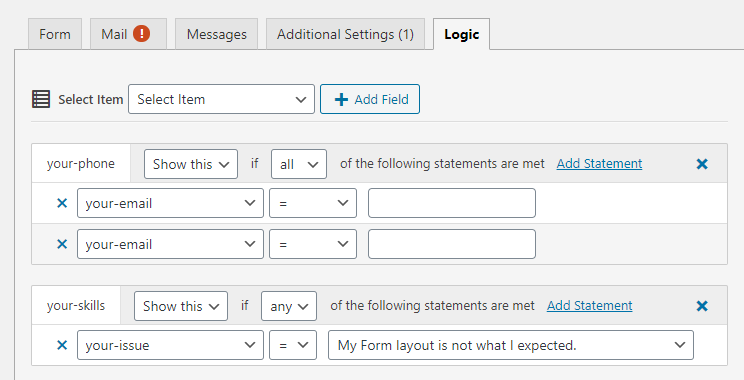
Logic
☑ Logic fields total and order.
☑ Logic criteria total for each field.
☑ Logic criteria equation (e.g. ‘=”, “>”)
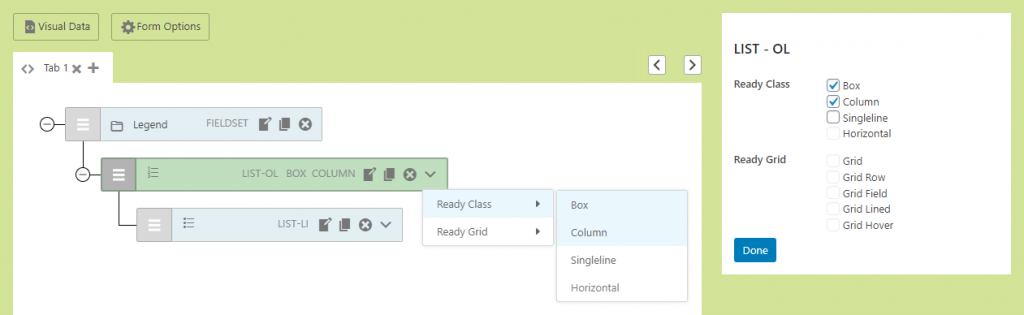
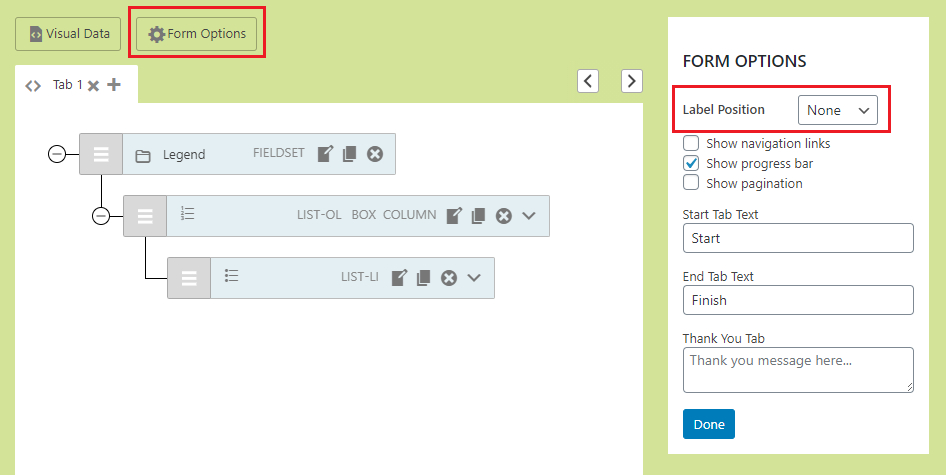
Ready
☑ Selected ready classes in node menu.
☑ Selected ready classes in Edit dialog.
☑ Selected ready classes in node menu and Edit dialog are the same.
☑ Selected label position.
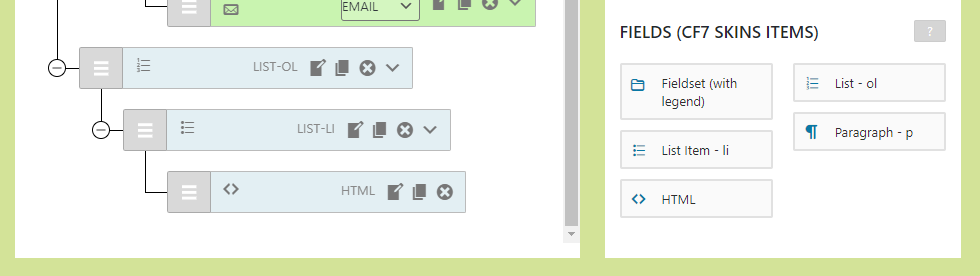
Pro
☑ HTML node is loaded in Visual editor.
☑ HTML content is correct and formatted.
WordPress Block Editor
☑ CF7 Skins blocks total/number is not reduced or added as expected.
☑ CF7 Skins blocks are correctly ordered.
☑ CF7 Skins blocks data are correctly attached.