
Last Updated on May 14, 2023 by Neil Murray
Logic comparison operators – React version
Logic comparison operators are used to compare the value of fields in a CF7 Form
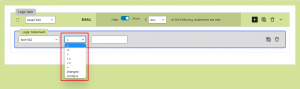
Logic Operators – React Version
- List of All Logic comparison operators
- List of Logic comparison operators available with each field
- List of Logic comparison operators not available with each field
- Limitations
List of All Logic comparison operators #
- = (Equal to)
- != (Not Equal to)
- > (Greater than)
- < (Less than)
- >= (Greater than or Equal to)
- <= (Less than or Equal to)
- changed
- contains
- checked
- unchecked
- is empty
- is not empty
List of Logic comparison operators available with each field #
| Field | Logic Operators (Not Available) |
|---|---|
| Acceptance | checked, unchecked |
| Date | =, !=, >, <, >=, <=, changed, contains |
| =, !=, >, <, >=, <=, changed, contains | |
| File | is empty, is not empty |
| Number | =, !=, >, <, >=, <= |
| Quiz | =, !=, >, <, >=, <=, changed, contains |
| Radio Buttons | =, != |
| Telephone | =, !=, >, <, >=, <=, changed, contains |
| Text | =, !=, >, <, >=, <=, changed, contains |
| Textarea | =, !=, >, <, >=, <=, changed, contains |
| URL | =, !=, >, <, >=, <=, changed, contains |
| Range | =, !=, >, <, >=, <= |
| Select(multiple) | = , !=, contains |
| Select(single) | = , != |
| checkbox(exclusive) | = |
| checkbox(non-exclusive) | =, !=, contains |
| "=" (Equal to) | "!=" (Not Equal to) | ">" (Greater than) | "<" (Less than) | ">=" (Greater than or Equal to) | "<=" (Less than or Equal to) | changed | contains | checked | unchecked | is empty | is not empty | |
|---|---|---|---|---|---|---|---|---|---|---|---|---|
| Acceptance | ✅ | ✅ | ||||||||||
| Date | ✅ | ✅ | ✅ | ✅ | ✅ | ✅ | ✅ | ✅ | ||||
| ✅ | ✅ | ✅ | ✅ | ✅ | ✅ | ✅ | ✅ | |||||
| File | ✅ | ✅ | ||||||||||
| Number | ✅ | ✅ | ✅ | ✅ | ✅ | ✅ | ||||||
| Quiz | ✅ | ✅ | ✅ | ✅ | ✅ | ✅ | ✅ | ✅ | ||||
| Radio Buttons | ✅ | ✅ | ||||||||||
| Telephone | ✅ | ✅ | ✅ | ✅ | ✅ | ✅ | ✅ | ✅ | ||||
| Text | ✅ | ✅ | ✅ | ✅ | ✅ | ✅ | ✅ | ✅ | ||||
| Textarea | ✅ | ✅ | ✅ | ✅ | ✅ | ✅ | ✅ | ✅ | ||||
| URL | ✅ | ✅ | ✅ | ✅ | ✅ | ✅ | ✅ | ✅ | ||||
| Range | ✅ | ✅ | ✅ | ✅ | ✅ | ✅ | ||||||
| Select(multiple) | ✅ | ✅ | ✅ | |||||||||
| Select(single) | ✅ | ✅ | ||||||||||
| checkbox(exclusive) | ✅ | |||||||||||
| checkbox(non-exclusive) | ✅ | ✅ | ✅ |
List of Logic comparison operators not available with each field #
| Field | Logic Operators (Not Available) |
|---|---|
| Acceptance | =, !=, >, <, >=, <=, changed, contains, is empty, is not empty |
| Date | checked, unchecked, is empty, is not empty |
| checked, unchecked, is empty, is not empty | |
| File | =, !=, >, <, >=, <=, changed, contains, checked, unchecked |
| Number | checked, unchecked, is empty, is not empty |
| Range | checked, unchecked, is empty, is not empty |
| Quiz | checked, unchecked, is empty, is not empty |
| Radio Buttons | checked, unchecked, is empty, is not empty |
| Select(multiple) | >, <, >=, <=, changed, checked, unchecked, is empty, is not empty |
| Select(single) | >, <, >=, <=, changed, contains, checked, unchecked, is empty, is not empty |
| Telephone | checked, unchecked, is empty, is not empty |
| Text | checked, unchecked, is empty, is not empty |
| Textarea | checked, unchecked, is empty, is not empty |
| URL | checked, unchecked, is empty, is not empty |
Limitations #
Only strict comparison supported #
The comparison operator “=” in logic can be only used for strict comparison, if the logic statement have the value “hi” with logic operator “=” then the value is not equal to “Hi” in the frontend
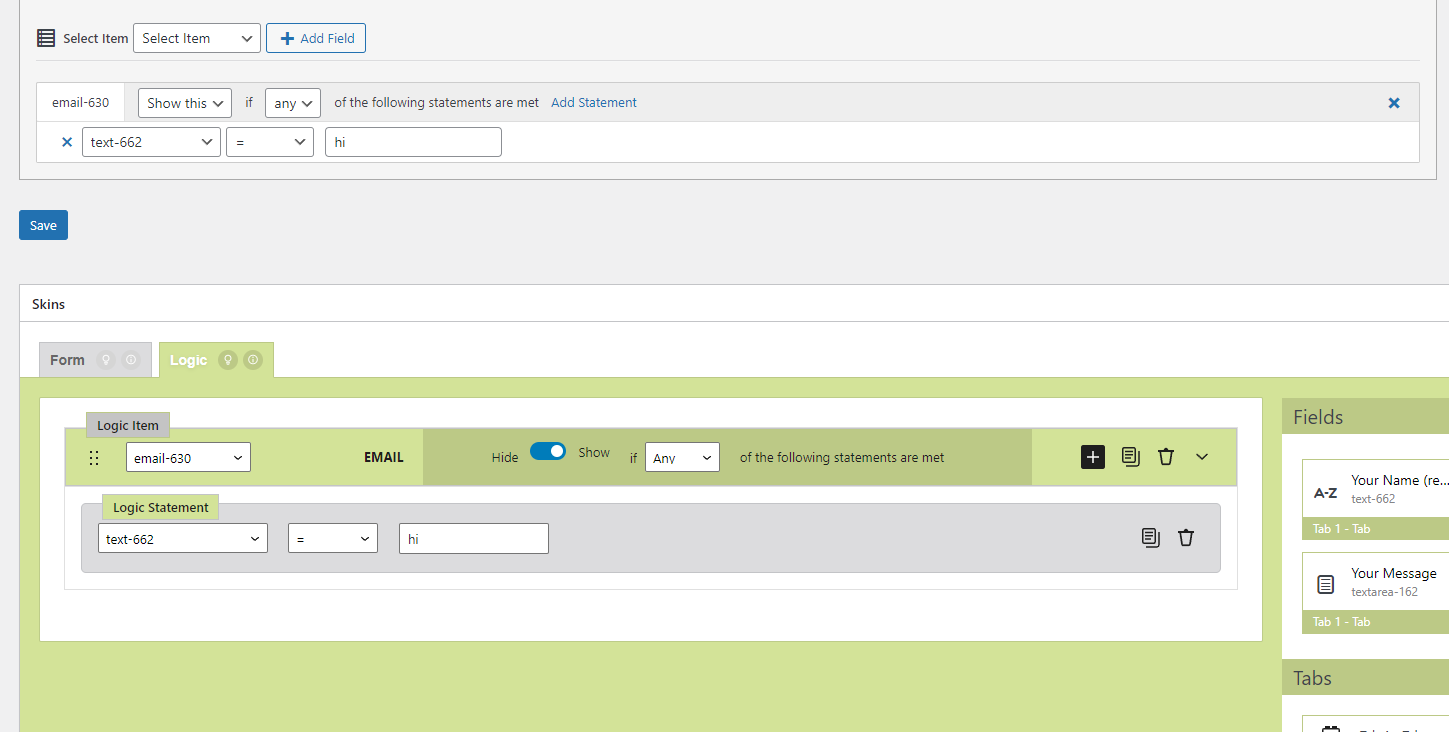
Applied Logic
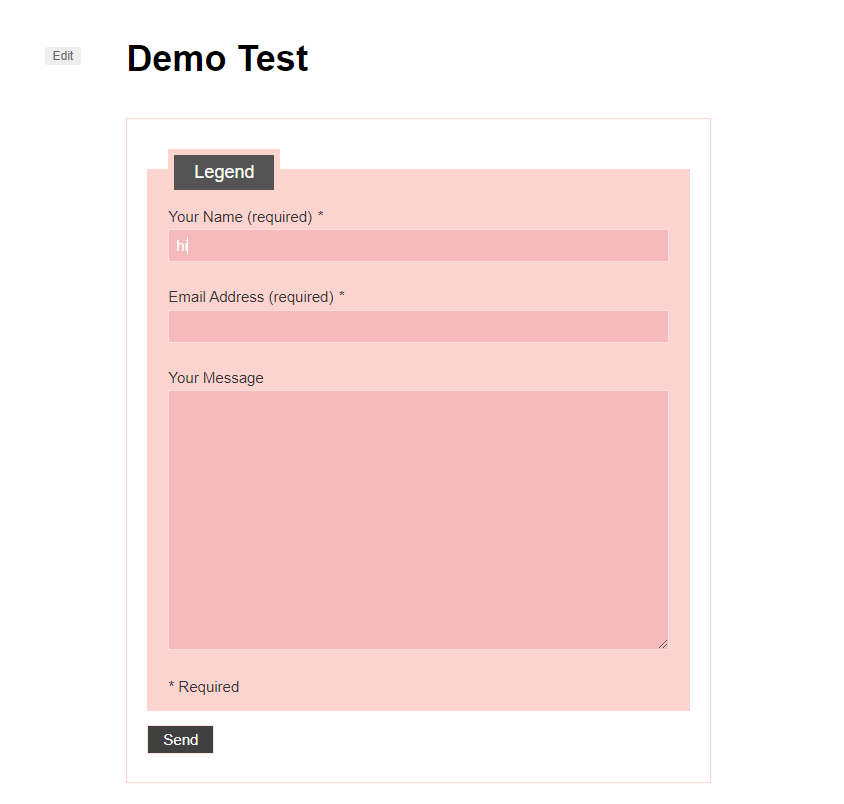
Strict Comparison – With exact value as the logic statement
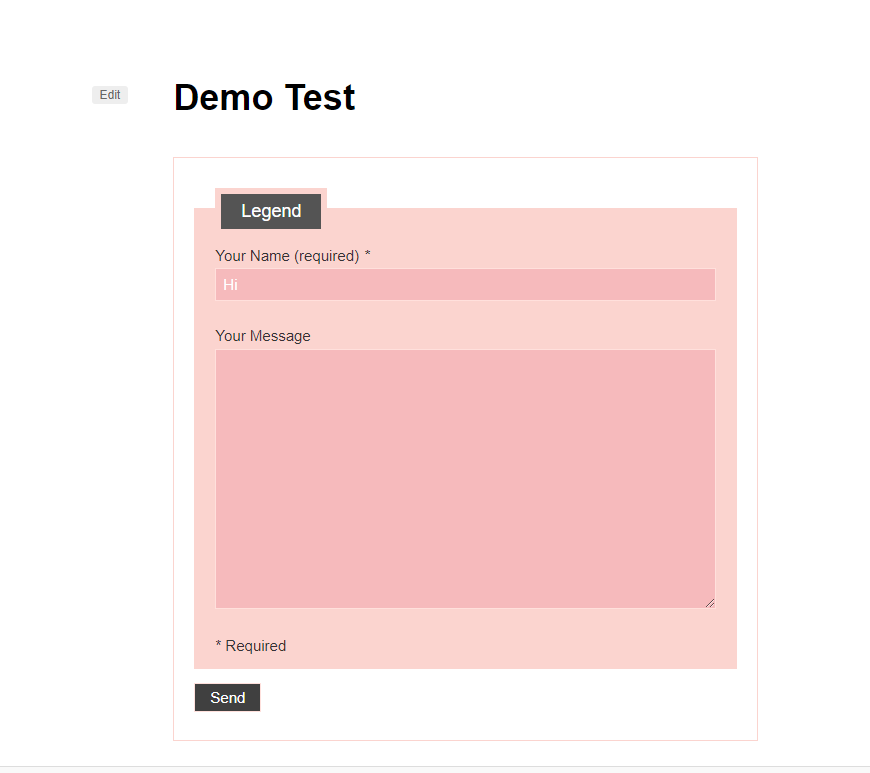
Loose comparison – Using non-exact value (upper case letter instead of lower case)
Further Reading:
- Item
Notes #
Add notes here
Comparison operators available on each field type – React version #
Backend
- acceptance – unchecked, checked
- checkbox (exclusive):
- checkbox (non-exclusive): =, !=, contains
- date – =, !=, >, <, >=, <=, changed, contains
- email – =, !=, >, <, >=, <=, changed, contains
- file – is empty, is not empty
- number – =, !=, >, <, >=, <=, changed, contains
- quiz – =, !=, >, <, >=, <=, changed, contains
- radio – =, !=, >, <, >=, <=, changed, contains
- range: =, !=, >, <, >=, <=, changed, contains
- select (single): =, !=
- select (multiple): =, !=
- telephone – =, !=, >, <, >=, <=, changed, contains
- text – =, !=, >, <, >=, <=, changed, contains
- textarea – =, !=, >, <, >=, <=, changed, contains
- url – =, !=, >, <, >=, <=, changed, contains
Frontend
- acceptance: unchecked, checked
- checkbox (exclusive): – =
- checkbox (non-exclusive): =, !=, contains
- date: =, !=, >, <, >=, <=, changed, contains
- email: =, !=, >, <, >=, <=, changed, contains
- file: is empty, is not empty
- number: =, !=, >, <, >=, <=
- quiz: =, !=, >, <, >=, <=, changed, contains
- radio: =, !=
- range: =, !=, >, <, >=, <=
- select (single): =, !=,
- select (multiple): =, !=, contains
- telephone: =, !=, >, <, >=, <=, changed, contains
- text: =, !=, >, <, >=, <=, changed, contains
- textarea: =, !=, >, <, >=, <=, changed, contains
- url: =, !=, >, <, >=, <=, changed, contains